Building my own tools site (and the one dumb DNS gotcha)
Simon Willison is writing great coverage on LLM, and his little web toolbox at
https://tools.simonwillison.net/ got me inspired — use Github Pages to make any file in a tools repository automatically available.
So of course I wanted one too: tools.codeandlife.com.
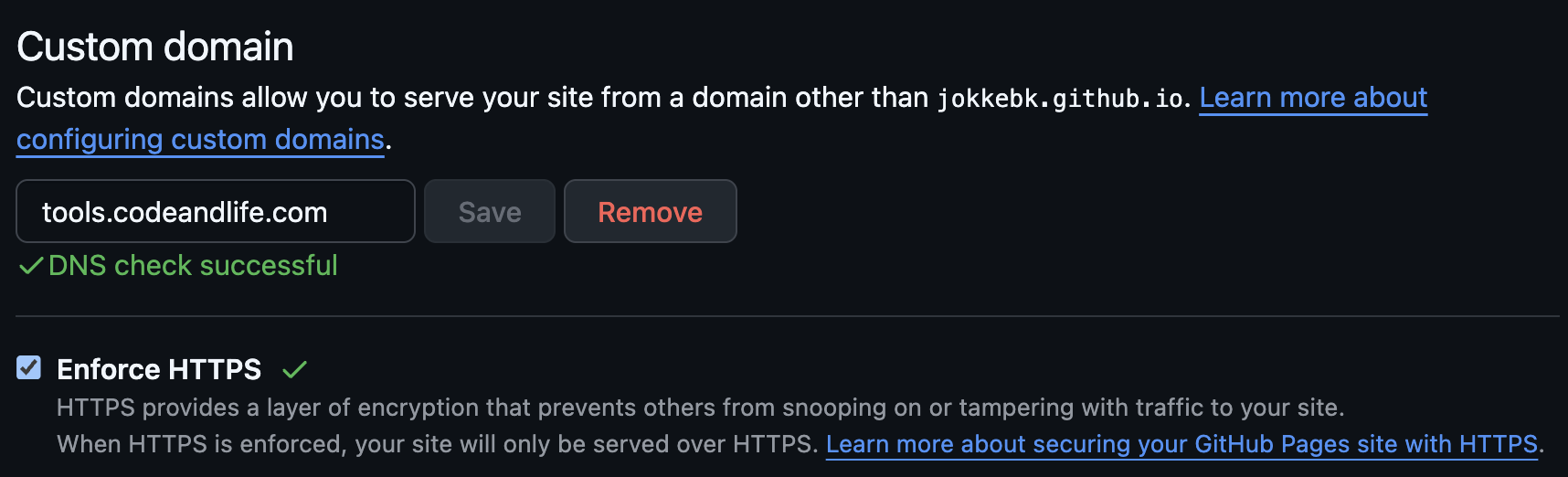
I created https://github.com/jokkebk/tools, enabled GitHub Pages for it, and set a
custom domain tools.codeandlife.com in the repo settings. GitHub does the rest: deploy on push, serve
static HTML. This should be plenty for one page HTML utils.
The DNS part (OpalStack edition)
The plan was the usual:
- Make a
CNAMErecord fortoolspointing tojokkebk.github.io - Wait for DNS to propagate
- ...
- Profit!
But I got stuck in a surprisingly silly place: Opalstack allowed me to "Add DNS Record" for my codeandlife.com domain, but it only had one field and TTL (time-to-live) setting, not two:
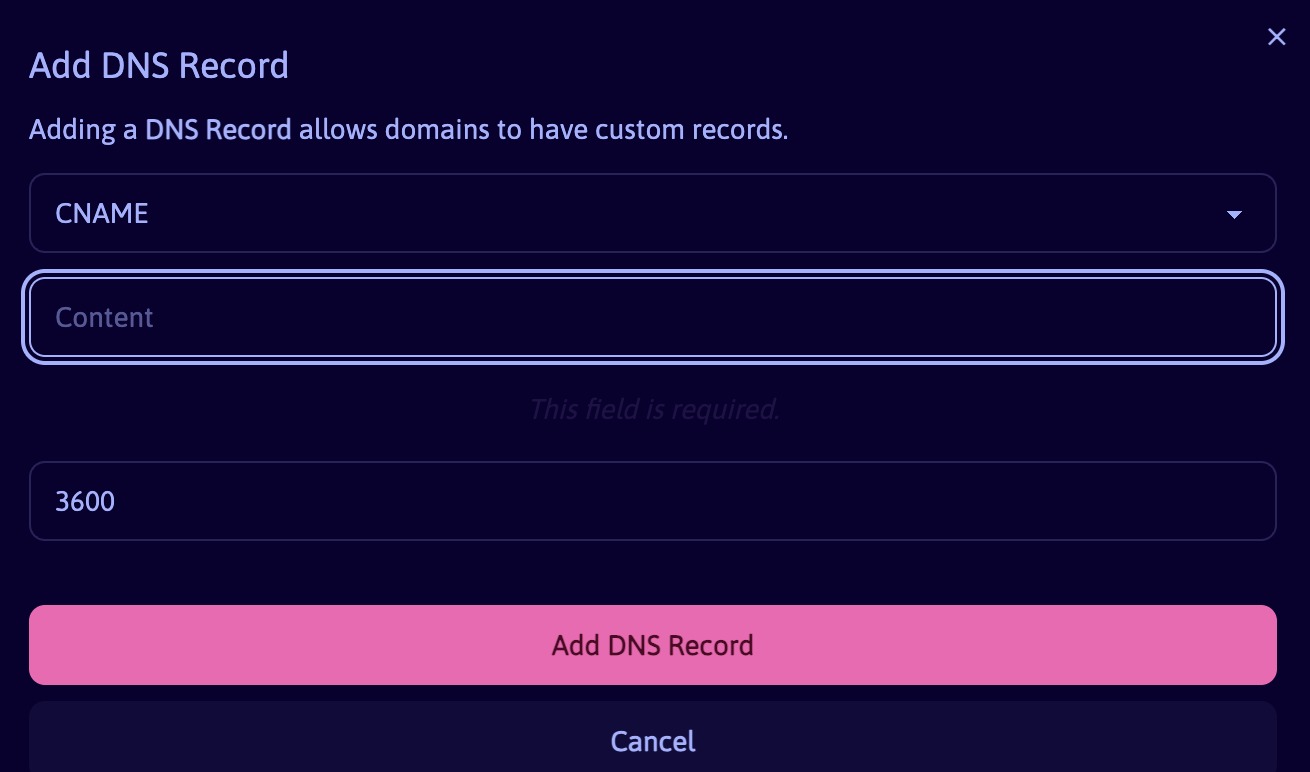
I tried to enter "tools CNAME jokkebk.github.io" as well as "tools jokkebk.github.io" to it, but it did not work. Turns out the correct approach was against what ChatGPT instructed:
- Create the
toolssubdomain in OpalStack control panel first - Then add the custom DNS record for it:
CNAME jokkebk.github.io
Running dig tools.codeandlife.com confirmed all was working. Committing a test.html resulted in an error page, but after I tried a minute later, it worked! GitHub Pages has happily accepted tools.codeandlife.com as the custom domain, and only thing remaining is to actually create some tools there. :)
Note: Actually, looks like I needed also to wait for Github to DNS check my domain (took about 15 minutes) and then issue a certificate for it (another 5-10 minutes) so I got https://tools.codeandlife.com/ working. I checked "Enforce HTTPS" so now I should be good to go!